In today’s competitive manufacturing landscape, companies are constantly looking for ways to deliver customized products faster while improving engineering efficiency. Design automation and product configuration solutions are helping manufacturers reduce repetitive tasks, minimize errors, and accelerate the journey from customer requirements to production-ready designs.
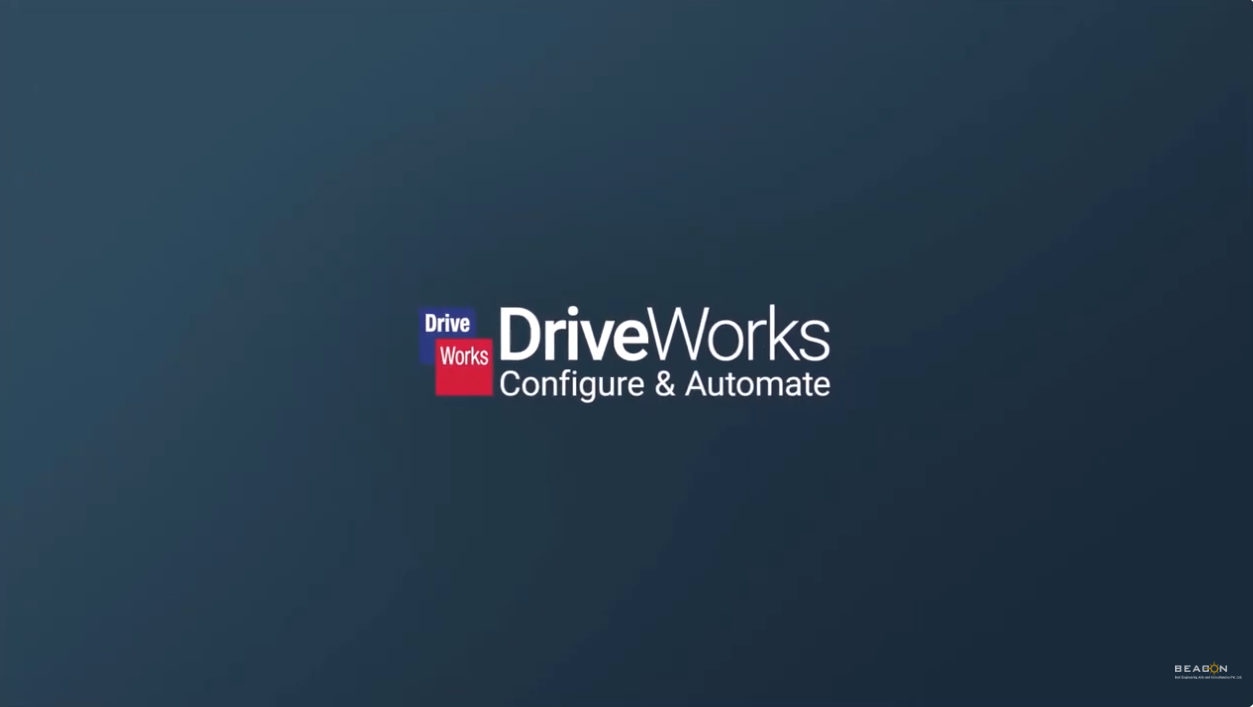
BEACON India recently showcased the power of DriveWorks Pro through a practical Conveyor Configurator example, demonstrating how automation can transform custom product development workflows.
From Customer Requirements to Manufacturing-Ready Data
Conveyor systems often require customization based on dimensions, layouts, configurations, and customer-specific requirements. Traditionally, handling these variations requires significant engineering effort, manual calculations, and repeated design modifications.
With DriveWorks Pro, manufacturers can create intelligent configurators that allow users to define product requirements through guided inputs. The system uses predefined rules and engineering logic to automatically generate the required design variations.
The BEACON India video demonstrates how a conveyor system can be configured by selecting design parameters and options, enabling faster decision-making and a more streamlined engineering workflow.
Key Capabilities Demonstrated
1. Rule-Based Design Automation
DriveWorks captures engineering knowledge and applies rules to automatically update designs based on user inputs. This helps teams reuse existing design intelligence instead of manually recreating similar models for every order.
2. Faster Product Configuration
A configurator enables sales teams, engineers, and customers to explore available options, understand variations, and create accurate configurations faster. This reduces communication gaps between sales, engineering, and manufacturing teams.
3. Automated Engineering Outputs
Once a configuration is finalized, DriveWorks can automate the creation of engineering documents and manufacturing information, helping teams accelerate order processing and reduce manual documentation effort.
4. Improved Customer Experience
Interactive 3D configuration provides a better understanding of the final product before manufacturing begins. Customers and internal teams can visualize design changes and make informed decisions.
Driving Smarter Manufacturing with Automation
The Conveyor Configurator example highlights how manufacturers can move towards a more connected and efficient product development process. By combining CAD automation, engineering rules, and digital configuration, companies can deliver customized solutions while improving productivity.
For organizations managing configurable products, DriveWorks Pro offers a scalable approach to automate design workflows, support digital transformation, and help engineering teams focus on innovation rather than repetitive tasks.
Watch the complete demonstration by BEACON India to explore how DriveWorks Pro can help transform custom product design and manufacturing workflows.
CONTACT BEACON India for more details, Demo on DriveWorks